- What information do we need from you for the payout?
- How can you set up your payout account?
- How and when will I get paid?
- I am exempt from VAT – where can I enter this information?
- What happens when someone books through the booking solution?
- What happens with a booking through our sales team?
- Does the credit note comply with standard tax law?
1) What information do we need from you for the payout?
In order to issue a credit note for you, you must store your bank and invoice details in the partner portal.
Since July 2024, payouts have been processed via Stripe to make payments easier and more secure.
Thanks to strict security measures, your bank details are handled securely.
2) How can you set up your payout account?
To switch your payouts, you must set up your payout account in your partner account. This is urgently required, as all payouts will now be processed via Stripe.
If you already have a payout account, you can use the same email address. However, the setup process must be completed again for konfetti.
Please note: Unfortunately, it is not possible to connect your payout account directly through us in any other way. Since this is a so-called “Custom Account,” it can only be connected and used through our platform, as the bank fees are also processed through us.
If you have any questions, feel free to contact us at partner@gokonfetti.com.
Set up your payout account:
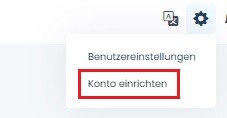
- Click the gear icon in the top right corner and select “Set up account” to access your account settings.
- Go to the “Invoices & Finances” tab.
- Click “Set up payout account”.

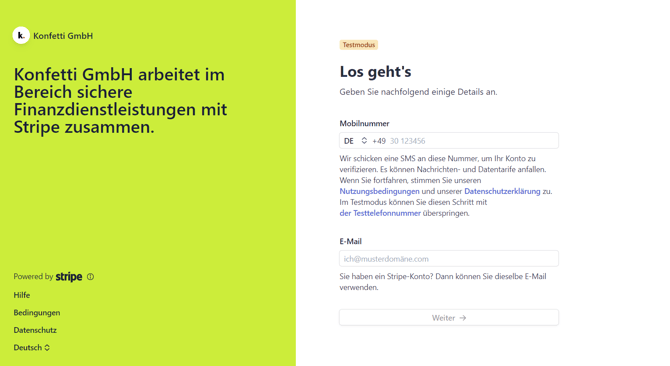
- You will be redirected to Stripe and guided through the verification process.
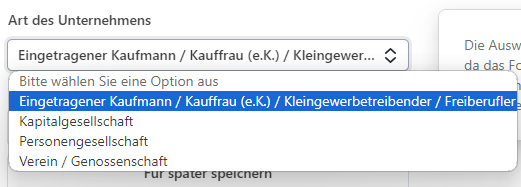
- In the first step, choose the correct business type. This is important because the form will adjust its requirements accordingly. If you are unsure which option to choose, feel free to check this guide.
- Stripe will guide you through the remaining steps:
1) Personal details
-
- Legal first name
- Legal last name
- Date of birth
- Address
2) Business details
-
- Website link
3) Bank details
-
- Currency
- Country of the bank account
- IBAN
At the end, everything will be confirmed and submitted. This is a one-time setup process. Once completed, Stripe will verify your information and your account will be fully set up.
After successfully setting up your payout account, all payouts will be processed directly through Stripe. Payouts will continue to be made at the beginning of the following month after the service has been provided.
3) How and when will I get paid?
As a partner, you will receive a credit note and a direct payout within the first five working days of the following month after the service has been provided.
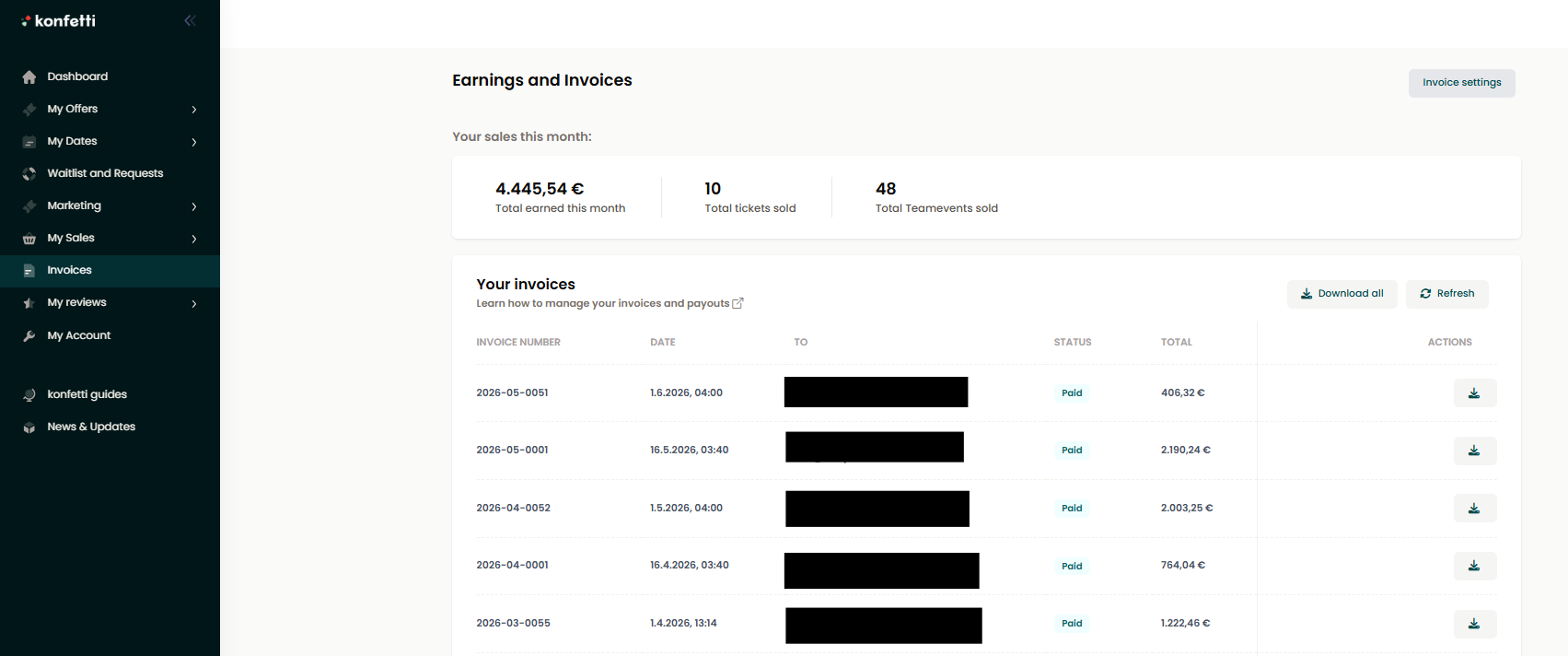
You can find the credit note in the partner portal under “My Invoices”.
Payouts for experience boxes / kits are made no earlier than 15 days after the order due to the right of withdrawal.
You can also change the payout frequency to biweekly. In this case, the commission increases by 2% gross to a total of 25.8% gross per booking.
How to switch to biweekly payouts:
- In your partner account, click the gear icon and go to “Set up account” and then to the “Billing & Finances” tab.
- There you will find the field “Biweekly payout” where you can set the toggle to “Yes”.
- That’s it! Your payouts will now be processed every two weeks.
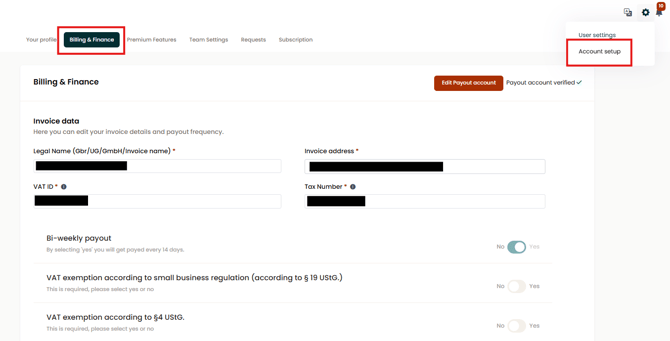
If you would like to switch back to monthly payouts, please contact us at partner@gokonfetti.com.
4) I am exempt from VAT – where can I enter this information?
If you are exempt from VAT, you can enter this information in your invoice and finance details accordingly. In this case, we still require your tax number, but no VAT ID.
You can store this information as follows:
- In your partner area, click the gear icon in the top right corner and select “Set up account”.
- Go to the second tab “Invoices & Finances”.
- Fill in your invoice and finance details.
-
Set one of the VAT exemption toggles to “Yes”, depending on which applies to you:
a. Are you exempt from VAT under the small business regulation (§ 19 UStG)?
b. Are you exempt from VAT under § 4 UStG?
c. Are you otherwise exempt from VAT?
- Save your changes.
- Then set up your payout account.
5) What happens when someone books through the booking solution?
If you receive a booking on your website through our booking solution, all invoices will continue to be processed through our partner portal.
You will be able to download and manage your sales and invoices there, just like all other sales with konfetti.