- Log in to your partner account
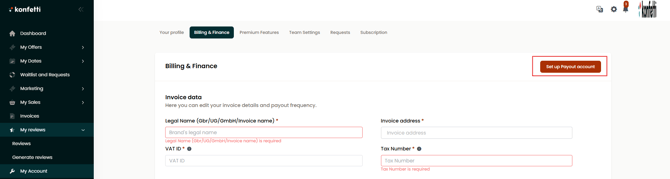
- Navigate to your billing and financial settings
- Enter your billing information
- Set up your Stripe account
To ensure that we can process your payouts correctly and on time, we need some information from you — including your billing details, bank account information, and the setup of your payout account.
This guide shows you step by step how to complete the setup.
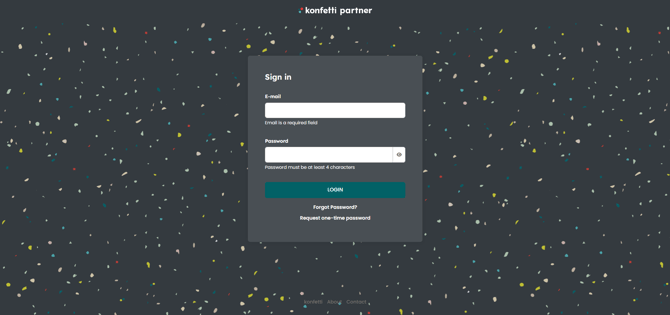
1) Step 1: Log in to Your Partner Account
Log in to the partner portal using your credentials.
2) Navigate to Your Billing & Financial Settings
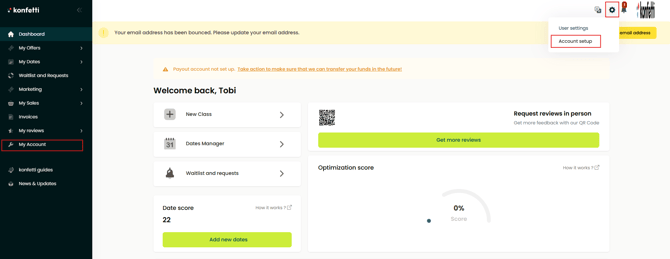
- Go to your account settings

- Open the tab “Billing & Finances”
3) Enter Your Billing & Bank Information
Go to “My Account” and switch to the tab “Billing & Finances”.
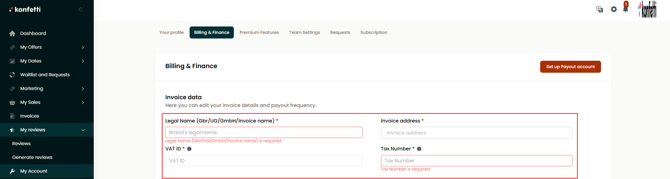
There, enter the following information:
Billing Information
- Company name
Your official business name (e.g. LLC, Ltd., sole proprietorship) - Billing address
The address that should appear on your invoices - VAT ID (optional if VAT exempt)
Enter if available — otherwise leave empty if you are exempt from VAT - Tax number
This field is always required
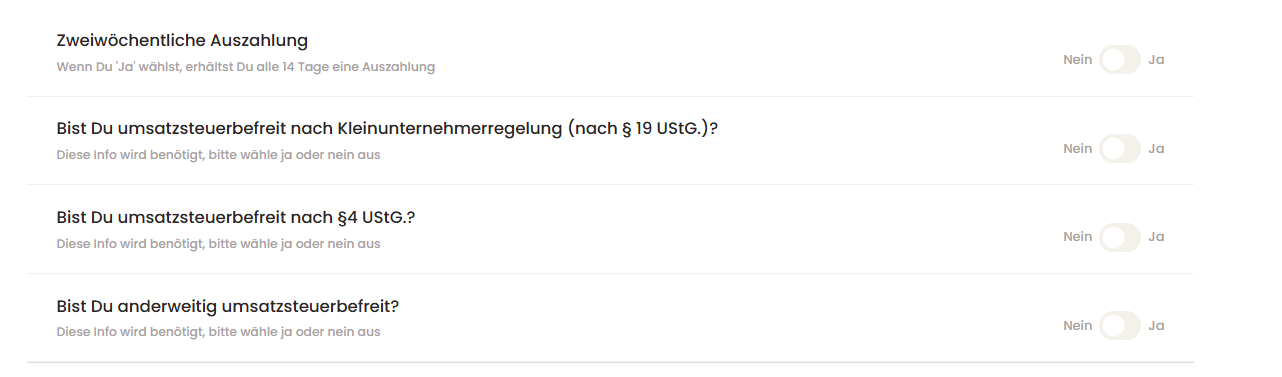
VAT Exemption
Select whether you are exempt from VAT:
- According to §19 UStG (small business regulation)
- According to §4 UStG
- Or in another way
If you confirm one of these options with “Yes”, the VAT ID is no longer a required field.
We need this information so we can generate your invoice at the beginning of each month and issue invoices to customers on your behalf.
Payout Frequency
By default, payouts are processed monthly.
Optionally, you can activate bi-weekly payouts.
Note: In this case, the commission increases by 2% to a total of 25.8% gross.
Save Changes
Scroll to the bottom of the page and click “Save Changes”.
Only after saving will your information be applied and you can continue with the Stripe setup.
4) Set Up Your Payout Account
To receive your monthly payouts, you need to set up your payout account.
Click “Set up payout account”. You can complete the payout account setup within just a few minutes.
Further information can be found here:
→ Invoicing & Payouts – Help Center Article